HOUSE EXPLORER

Opening the house…

Preparing your 3D view 0%

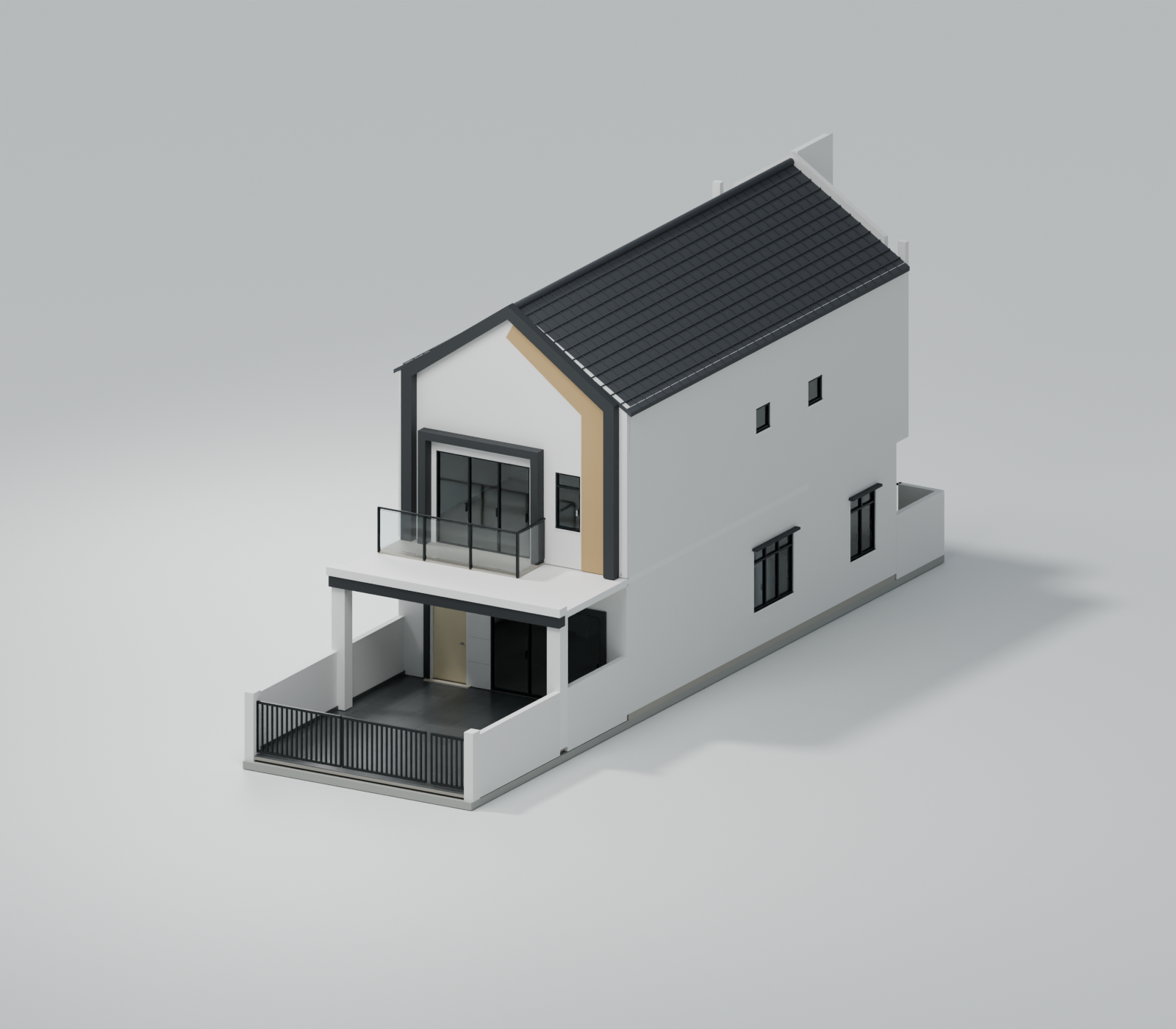
EXTERIOR VIEW
Based on your floor plan. Dimensions are estimated.
MAKE YOURSELF AT HOME

How to explore

Outside
Drag to rotate around the house. Scroll, pinch or use + and − to zoom. Choose Front, Rear or Side for a set angle.
Inside
Choose Ground floor or First floor, then select a location in the list, floor plan or room markers. At the stairs, use Go upstairs or Go downstairs. Drag to look around; − gives you a wider view and + brings details closer.
With a keyboard
Focus the 3D view, then use arrow keys to look around, + and − to zoom, and Home to reset. Tab and Enter work with all location controls.

This tour uses fixed viewpoints on both floors. The house is shown unfurnished.